LeadFinder
How to Use LeadFinder
LeadFinder helps guitarists visualize scales on the fretboard and create leads. Here's how to use it:
1. Understanding the Fretboard:
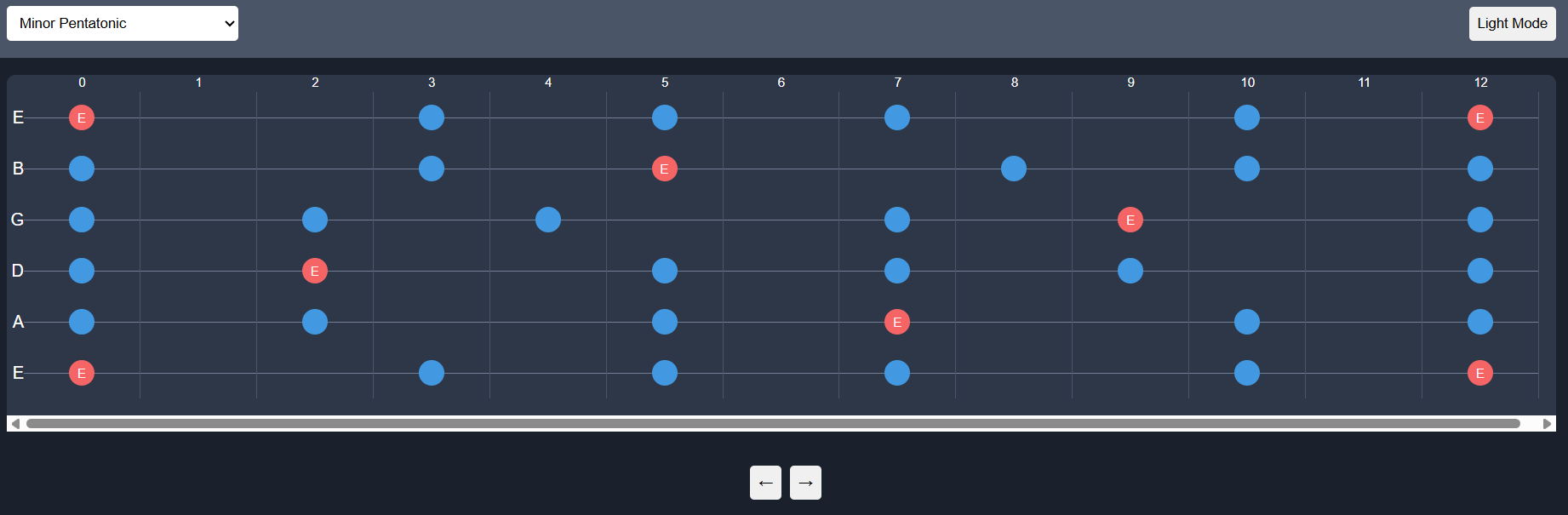
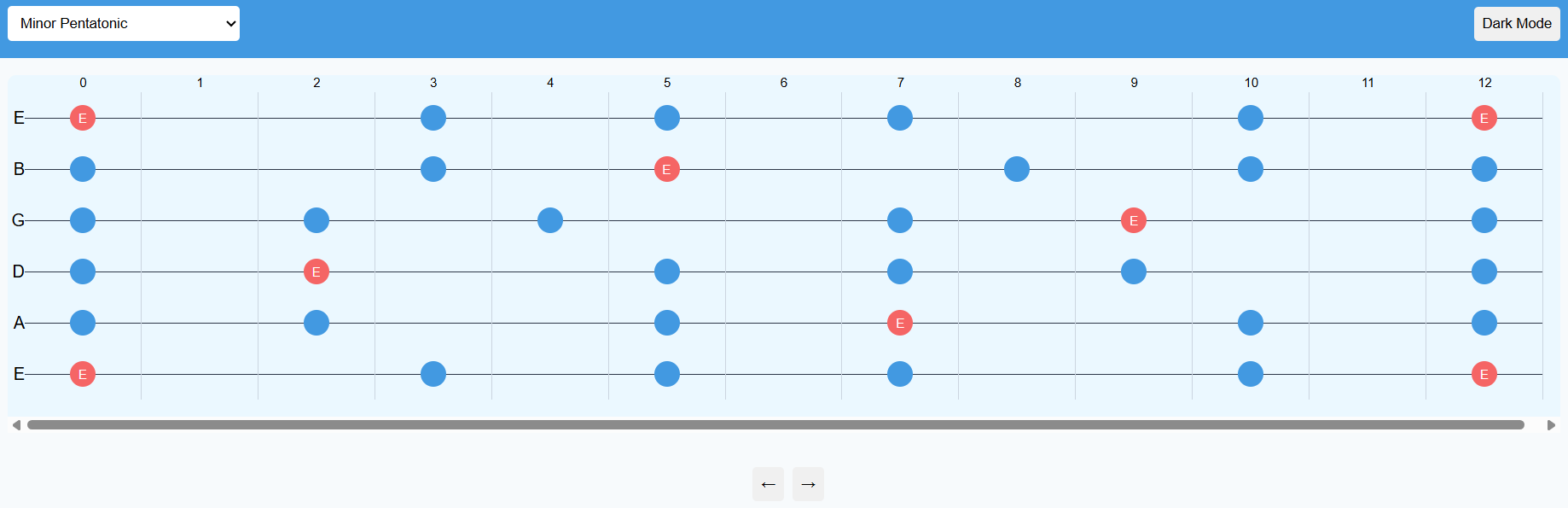
- The fretboard shows 6 strings (E A D G B E) and 13 frets (0-12).
- Fret 0 represents the open string.
- Blue dots are notes in the selected scale.
- Red dots with labels are root notes of the scale.
2. Selecting a Scale:
Use the dropdown to choose a scale pattern. Each has a unique interval pattern creating its characteristic sound.
3. Transposing the Scale:
- Use arrow buttons to move the scale up/down the fretboard.
- This changes the root note, transposing to a different key.
- The root note updates on red dots as you transpose.
4. Creating Leads:
- Use highlighted notes as a guide for finger placement.
- Experiment with different note combinations.
- Try starting/ending phrases on the root note for resolution.
- Practice moving between different scale positions.
Remember, this is a guide. The best leads come from experimenting and developing your own style. Use LeadFinder to visualize, but always trust your ears!
Leave a comment
Log in with itch.io to leave a comment.